DIGITAL PAYMENTS WITH AEROPS

Pilots pay via app, payment link or directly at the terminal

aerops connects flight movement, aircraft, charges and payment in one end-to-end process. Pilots pay landing fees and additional services via the familiar aerops app, an individual payment link, online or at a connected card terminal.

One airport. Multiple payment channels. One central payment status.
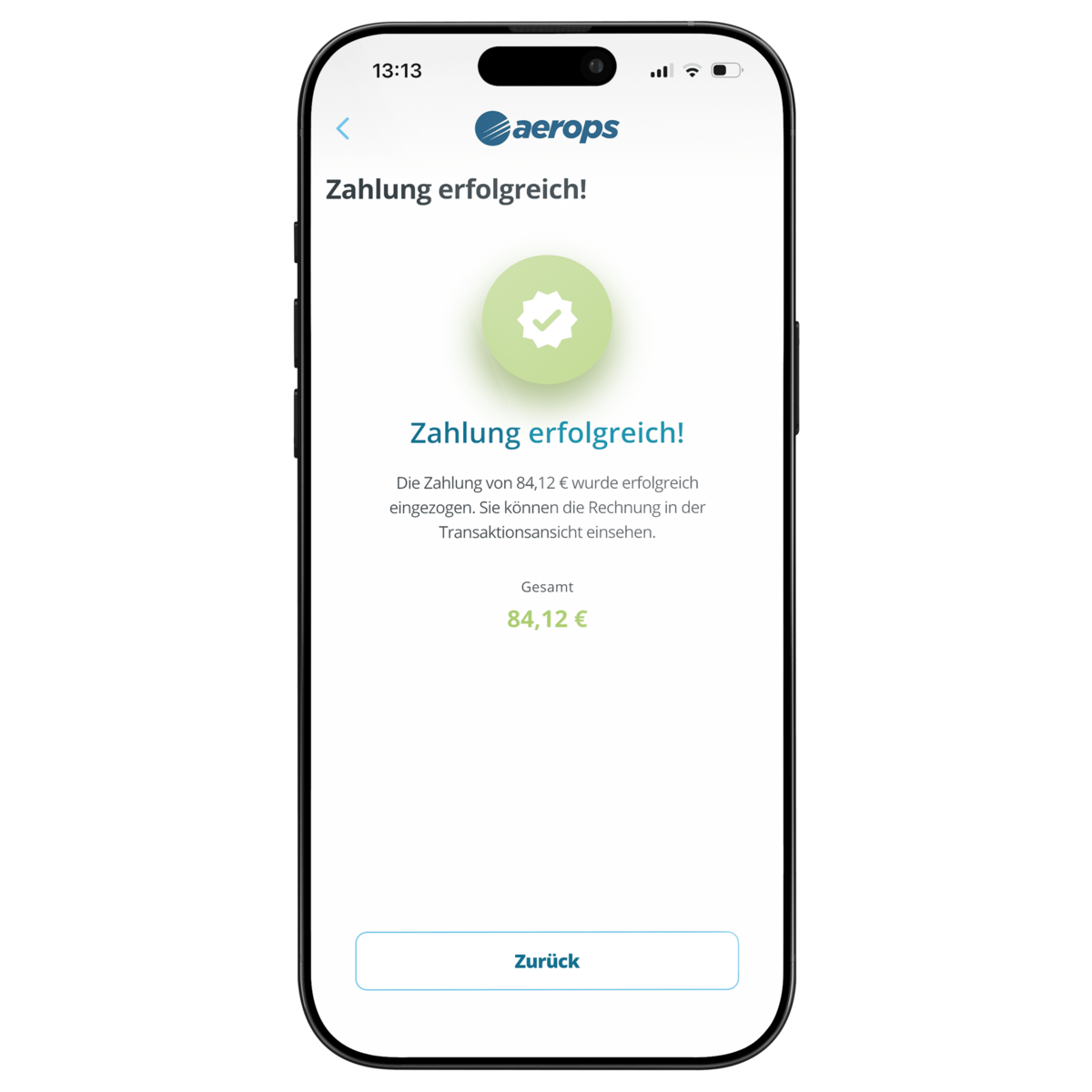
The aerops app is the most direct way to pay

More than 70,000 pilots already know and use aerops. Pilot and aircraft data are already available in the system – the airport does not have to explain another isolated solution and pilots do not have to learn yet another portal.

  • Pay landing, parking, fuel and service charges directly in the app
  • Calculate charges automatically from flight movement and aircraft data
  • Provide invoices and payment confirmations digitally
  • Assign each payment automatically to the correct transaction and aircraft

Payment links and payment requests

Not every airport service comes directly from a fee schedule. For handling, business aviation, additional services or individually calculated amounts, aerops creates a payment request with a clear reference.

  • Set the amount and payment reference
  • Include pilot, customer and aircraft data
  • Send the payment link by email or provide it in the operating process
  • Return the payment status automatically and update open items

QR code and web payment

For guests without the app and for local self-service, pilots scan a QR code or open a payment link on an invoice, website or sign.

  • No app installation required
  • Payment by credit card and supported digital wallets
  • Ideal for visitors and unattended operating hours
  • Automatic allocation instead of PayPal messages and manual reconciliation

Card payments directly at the airport

Payments at the counter or operations office remain part of the same aerops process. aerops sends the amount to the connected device and returns the result to the transaction.

  • Directly connected Stripe Terminals
  • Connection of existing ZVT-compatible card terminals
  • No duplicate entry of the payment amount
  • Automatic allocation to invoice, flight movement or service

This connects mobile self-service payments and conventional on-site card payments in one system.

From incoming payment to accounting

The decisive difference from an isolated PayPal, terminal or payment solution is the operational allocation in aerops. A payment is linked to a pilot, aircraft, flight, service or invoice.

  • Update open items in real time
  • Create invoices, receipts and transaction histories automatically
  • Document refunds and cancellations transparently
  • Export to XLS, CSV, DATEV, SAP, Navision and QuickBooks
  • Transfer data to AODB, ERP or existing airport systems via API

One end-to-end payment process

  1. Transaction: Flight movement, PPR, fuelling or service is recorded in aerops.
  2. Price: aerops calculates the charge automatically or uses the amount set by the airport.
  3. Payment channel: App, payment request, QR/web, Stripe Terminal or ZVT.
  4. Feedback: Successful payment is assigned to the transaction immediately.
  5. Processing: Invoice, receipt, statistics and accounting are available without re-entering data.

App and terminal are not isolated payment channels; they feed the same airport process.

The right payment channel for every airport

  • Small airfield: App, QR code and self-service without a permanently staffed office
  • Regional airport: App, web payment and payment requests for individually calculated services
  • Airport or FBO: Payment requests, card terminals, API and integration with existing airport systems

Proven in daily operations

At London Southend Airport, GA pilots pay their charges from the cockpit via the aerops app or QR code. The digital process reduces journeys for pilots and manual workload at the Jet Centre. aerops is also already in use at around 400 other European airports and airfields.

Next step: Together we define which payment channels fit your workflows and existing systems.

Contact